Set up your school's MTSS team
A step-by-step guide for school admins to set up their school's MTSS team in Ladderly.
The setup wizard runs the first time a school signs on, and walks a school admin through the choices Ladderly needs before referrals, meetings, and interventions can be scheduled.
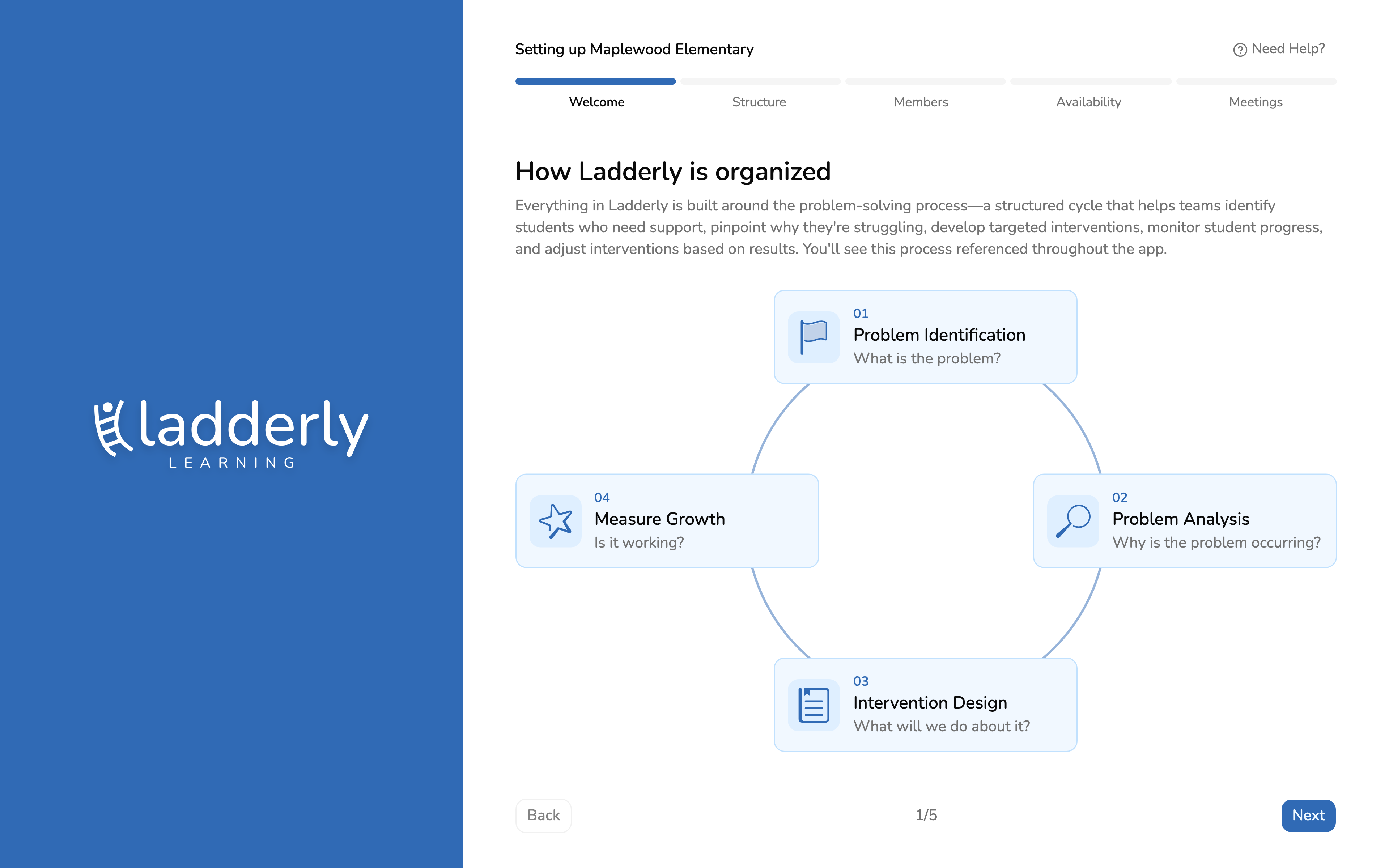
1. The MTSS process, at a glance
Every school new to Ladderly starts here. The four stages — Identify, Analyze, Design, Measure — are the backbone every referral moves through, and the rest of setup configures how your team runs them.
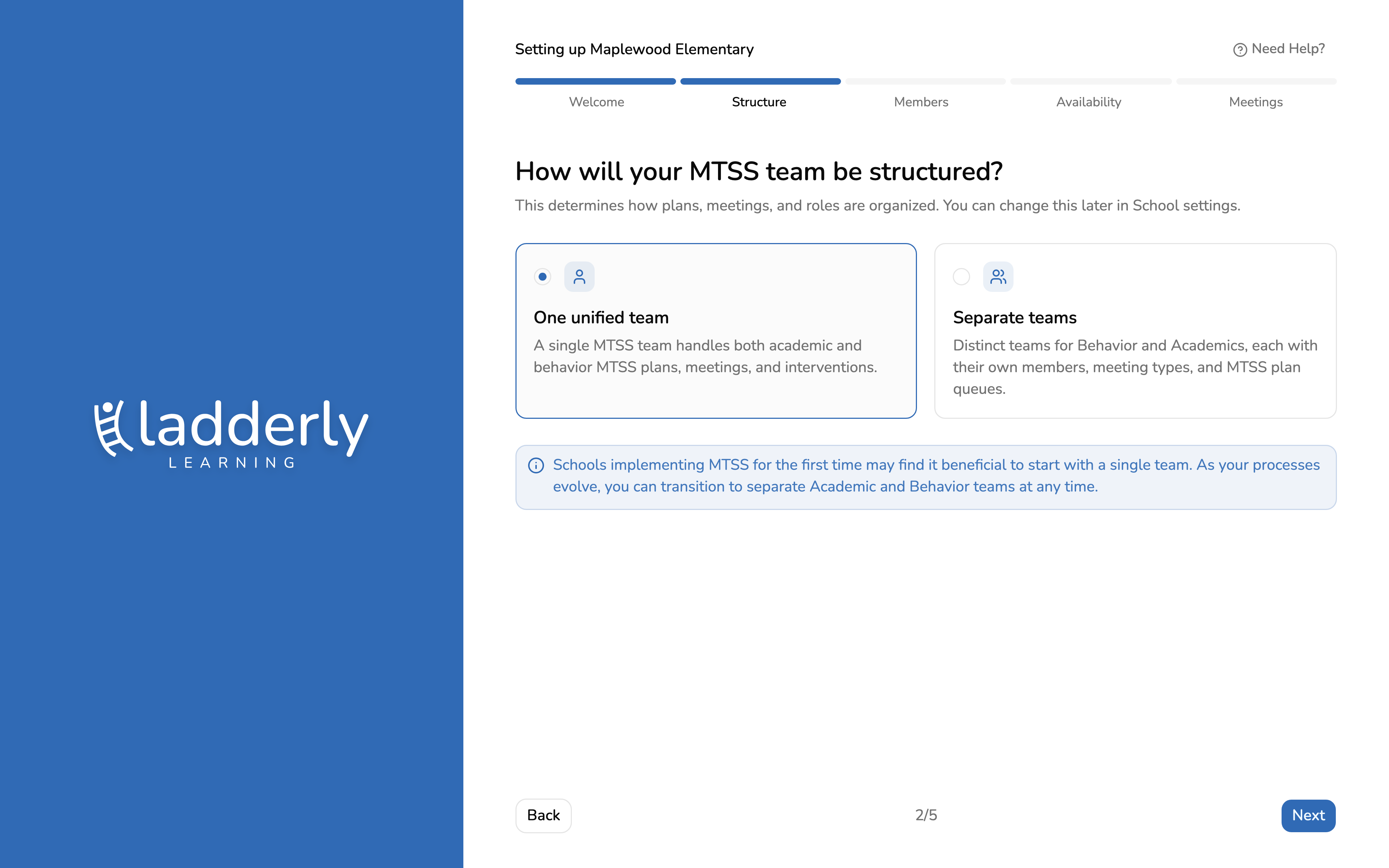
2. Choose your team structure
Most schools starting out use one team for both academic and behavior referrals. You can split into separate Academic and Behavior teams later from School settings if your process grows into that.
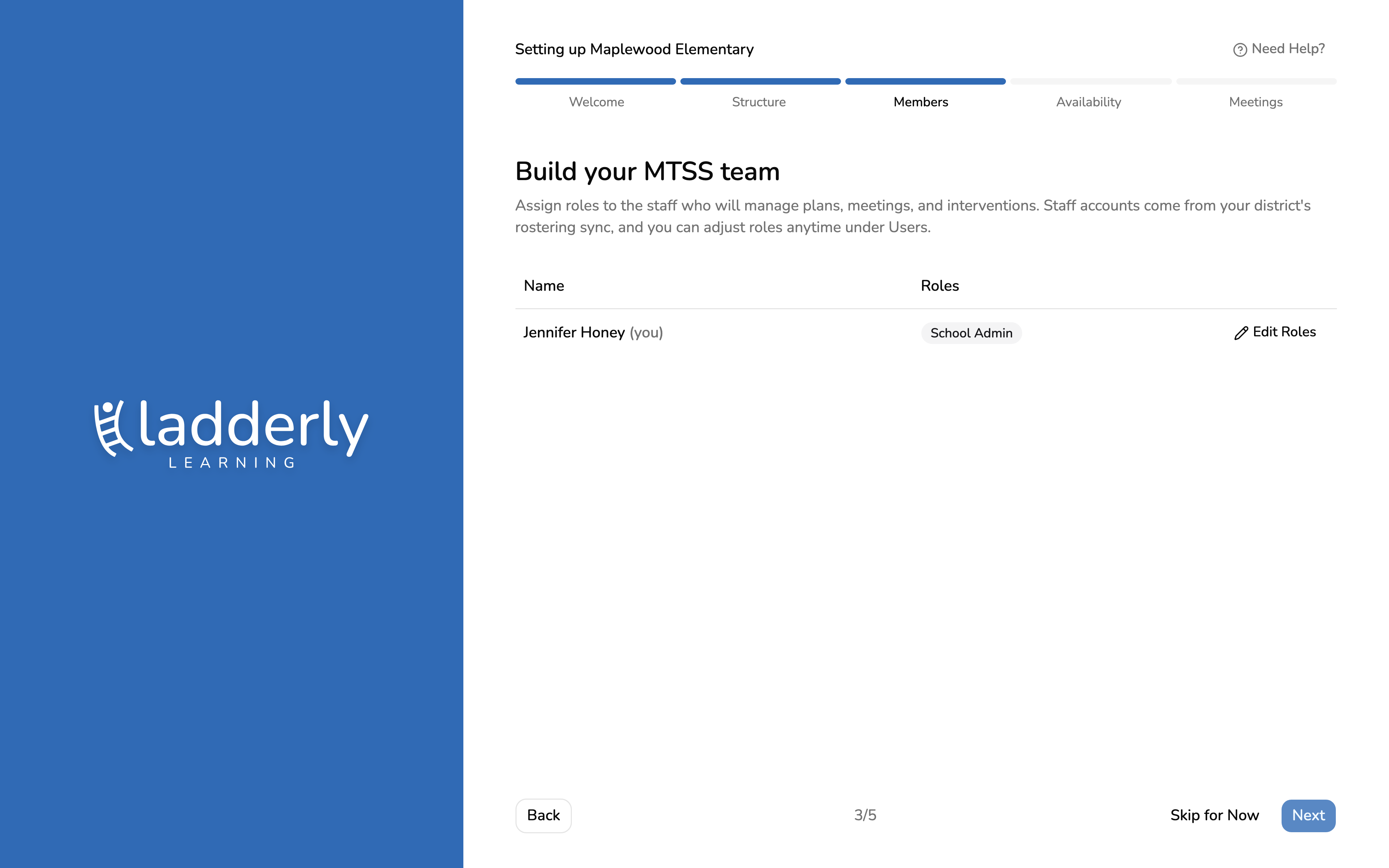
3. Build your MTSS team
Staff accounts already exist from your district's rostering sync. Assign each person a role here — who manages referrals, sits on the MTSS team, or administers the school — and adjust it anytime under Users.
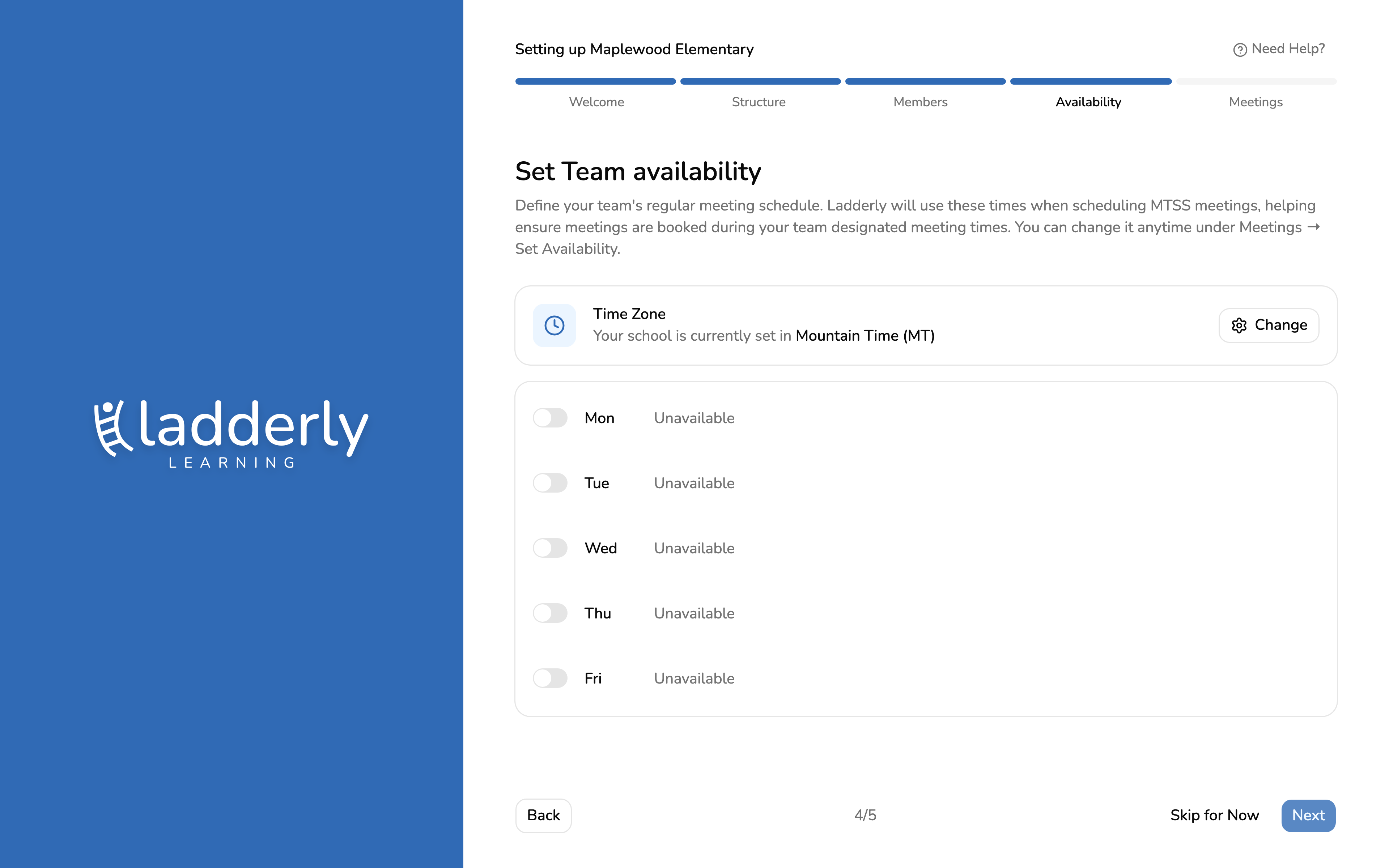
4. Set your team's meeting availability
Block out the hours your MTSS team meets. Ladderly only offers these windows when scheduling a referral or plan-review meeting, so a team's real calendar stays realistic from the first referral.
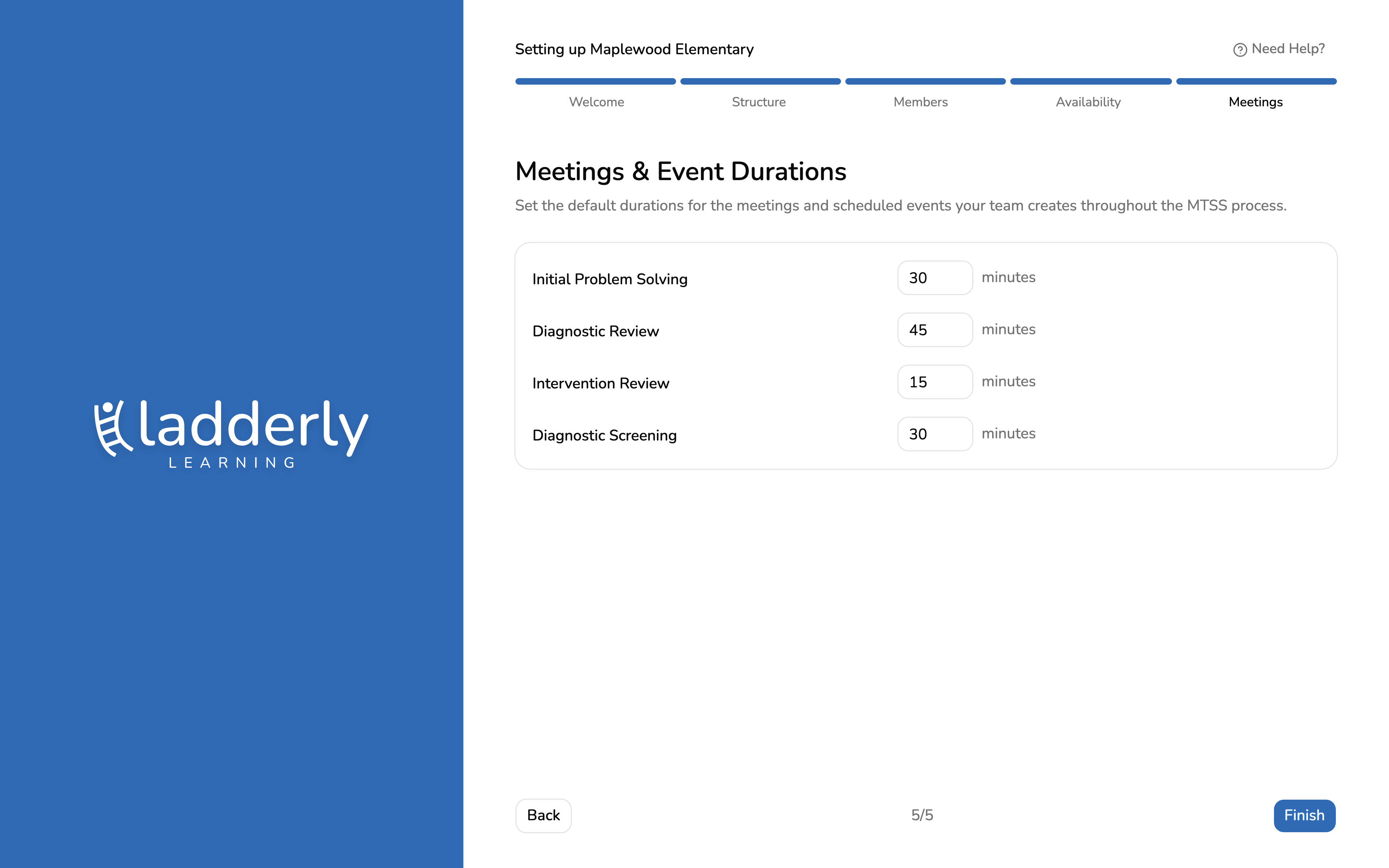
5. Set meeting durations
Set how long each meeting type runs by default — the initial problem-solving meeting, plan reviews, and any others your process uses. These defaults show up every time that meeting type gets scheduled.