Create an intervention plan
A step-by-step guide for MTSS team members to turn a referral into an intervention plan.
Once the team has met about a referral, the plan is where you write down what will be taught, how progress will be measured, and when you will look at it again.
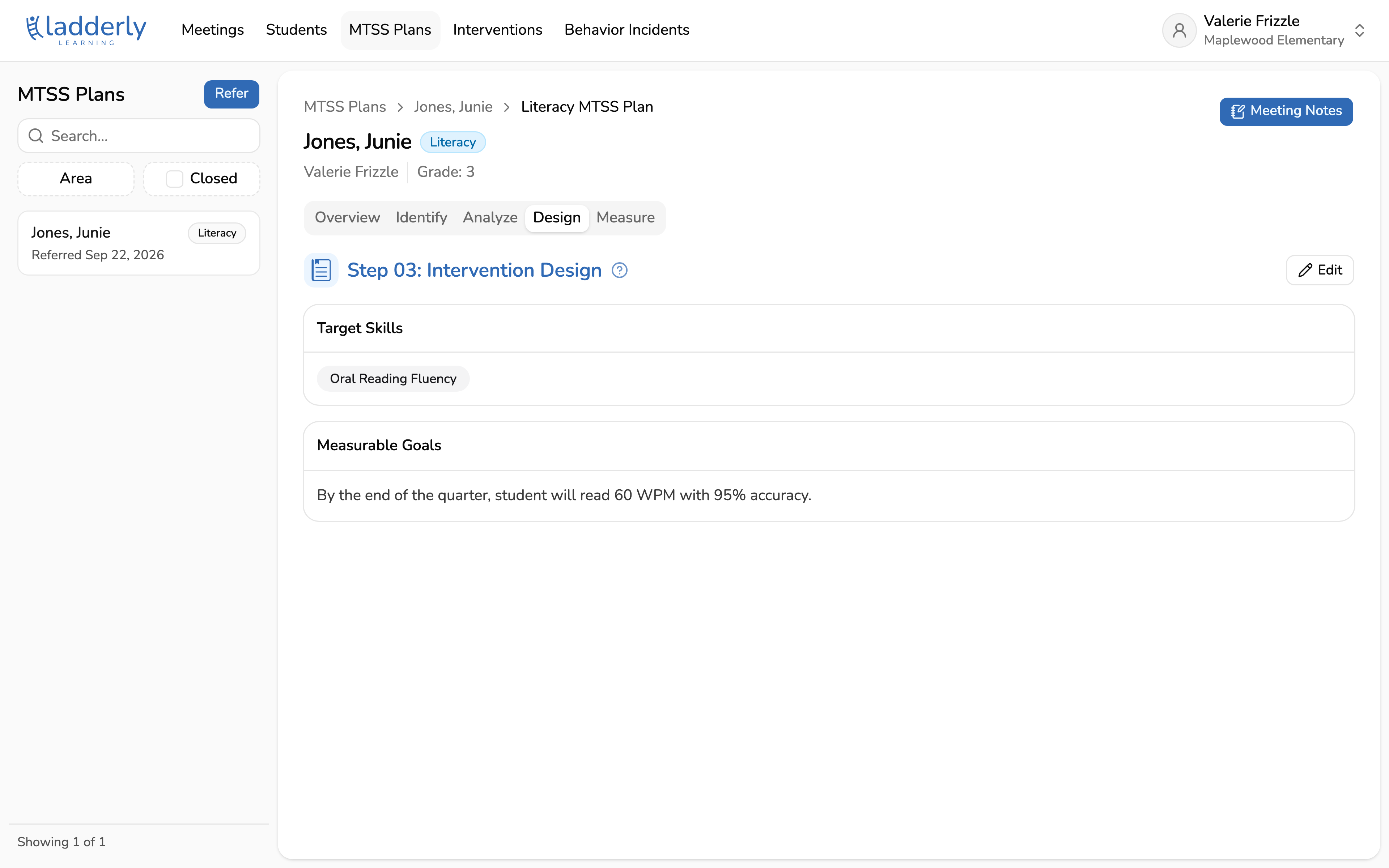
1. Open the MTSS plan
Every referral becomes an MTSS plan. The tabs follow the MTSS process: Identify what is happening, Analyze why, Design what to do about it, Measure whether it worked.
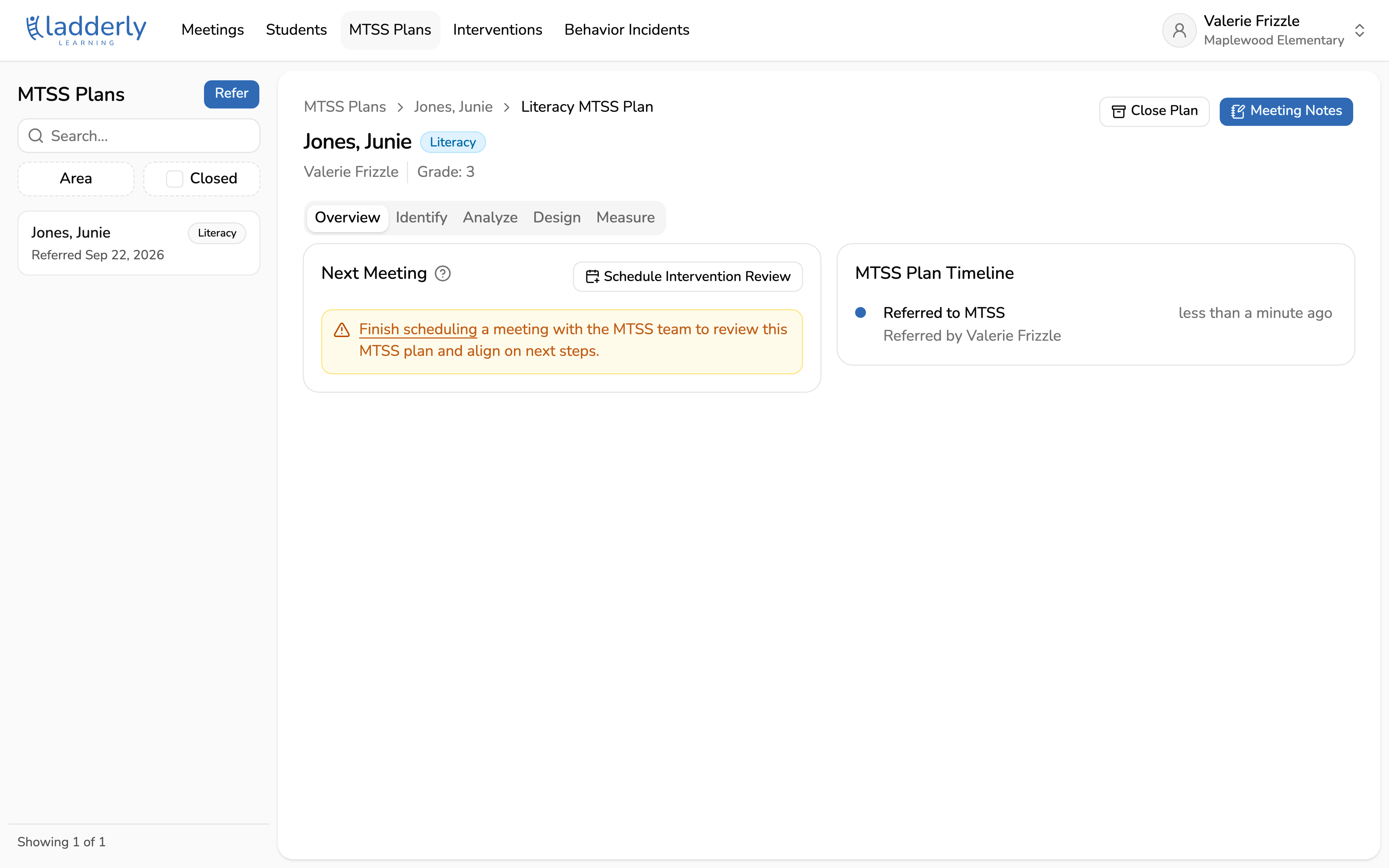
2. Start the plan from the Design tab
Choose Create Intervention Plan. The plan is built in three steps: goals, interventions, and a follow-up meeting.
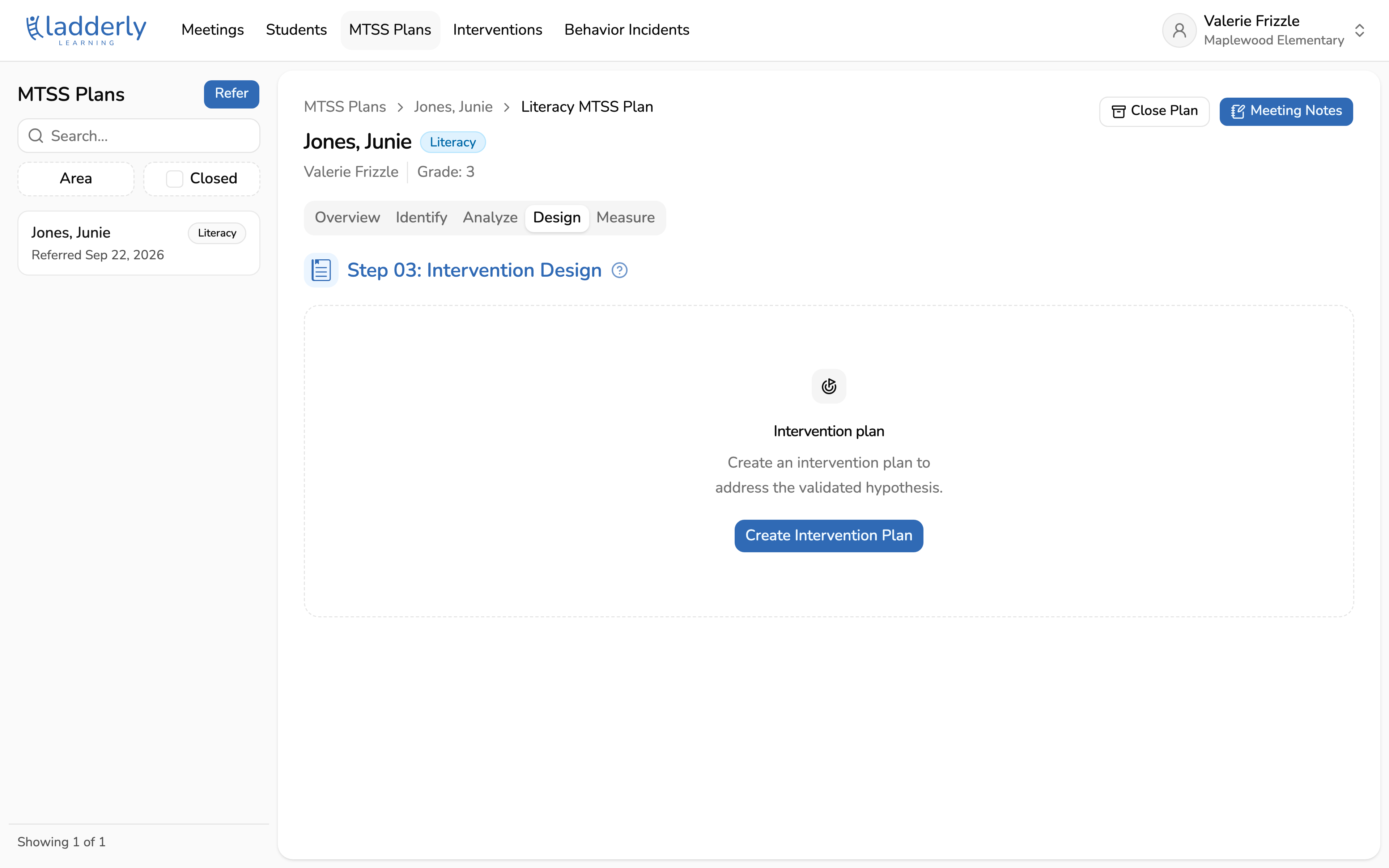
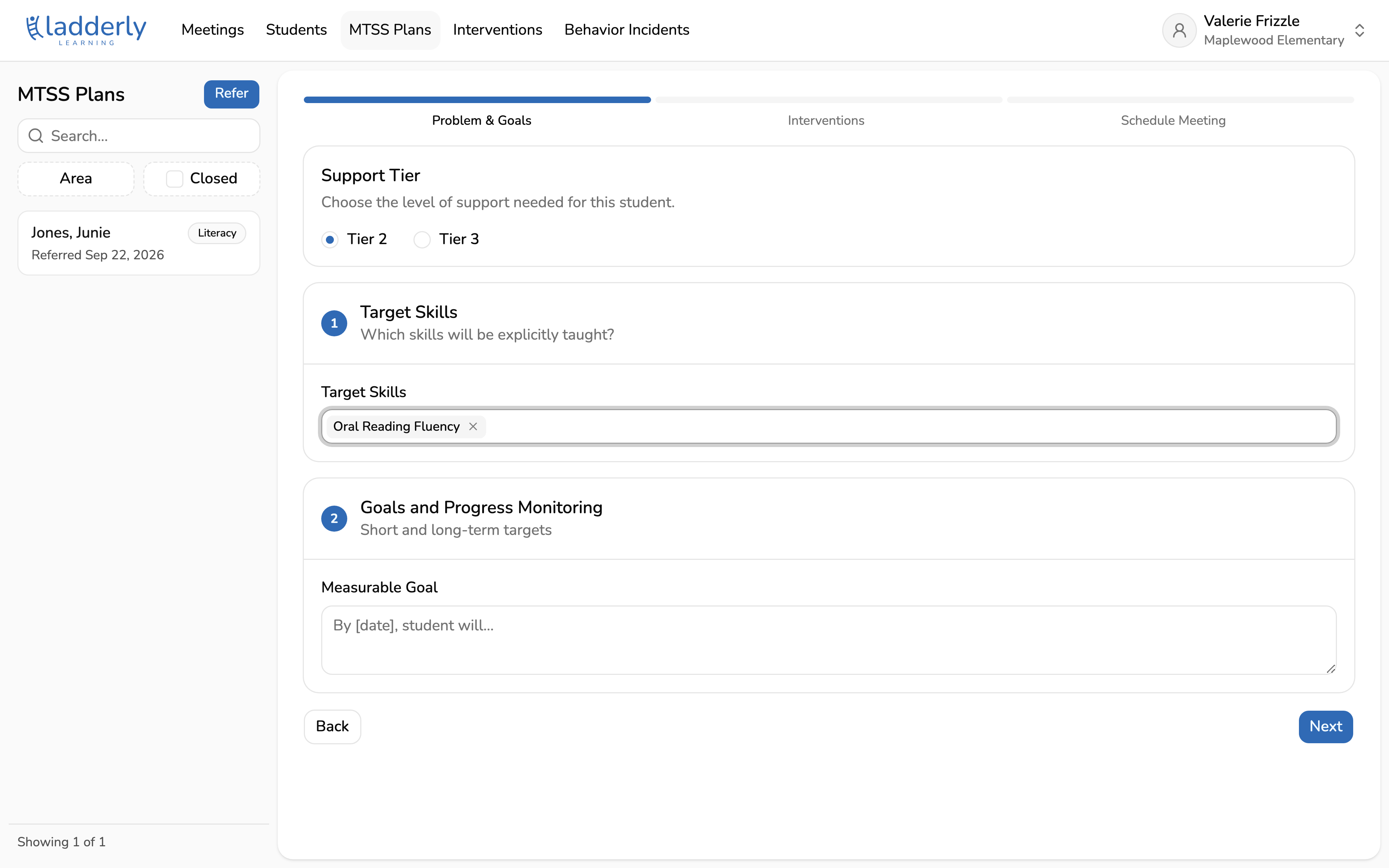
3. Choose the tier
Tier 2 is targeted support alongside core instruction. Tier 3 is more intensive, and for behavior plans it opens extra sections for the FBA and for antecedent, behavior, and consequence strategies.
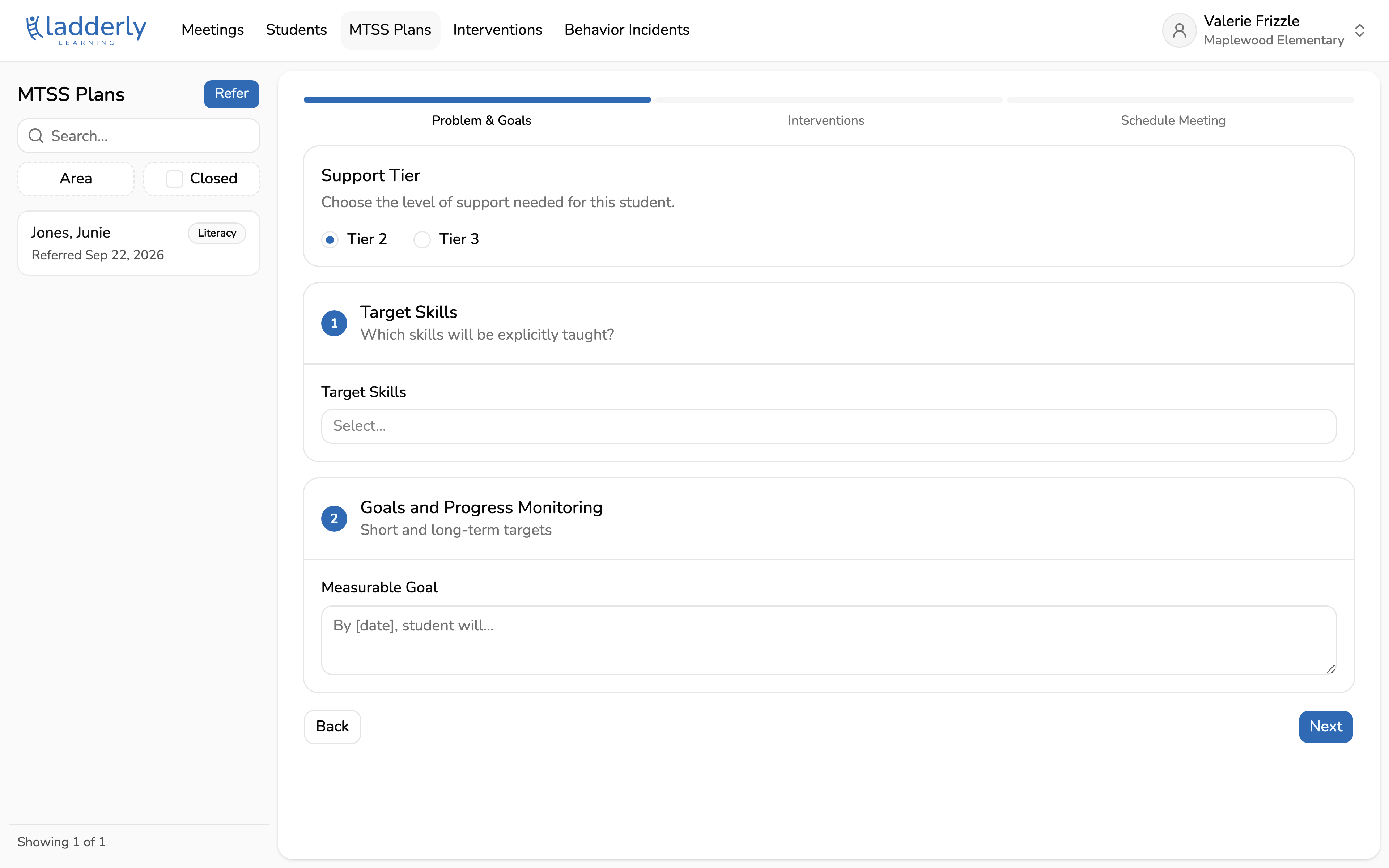
4. Pick the skills to teach
Target the specific skills the intervention will teach explicitly, not the whole subject. These come from your school's skill list, which school admins manage in Settings.
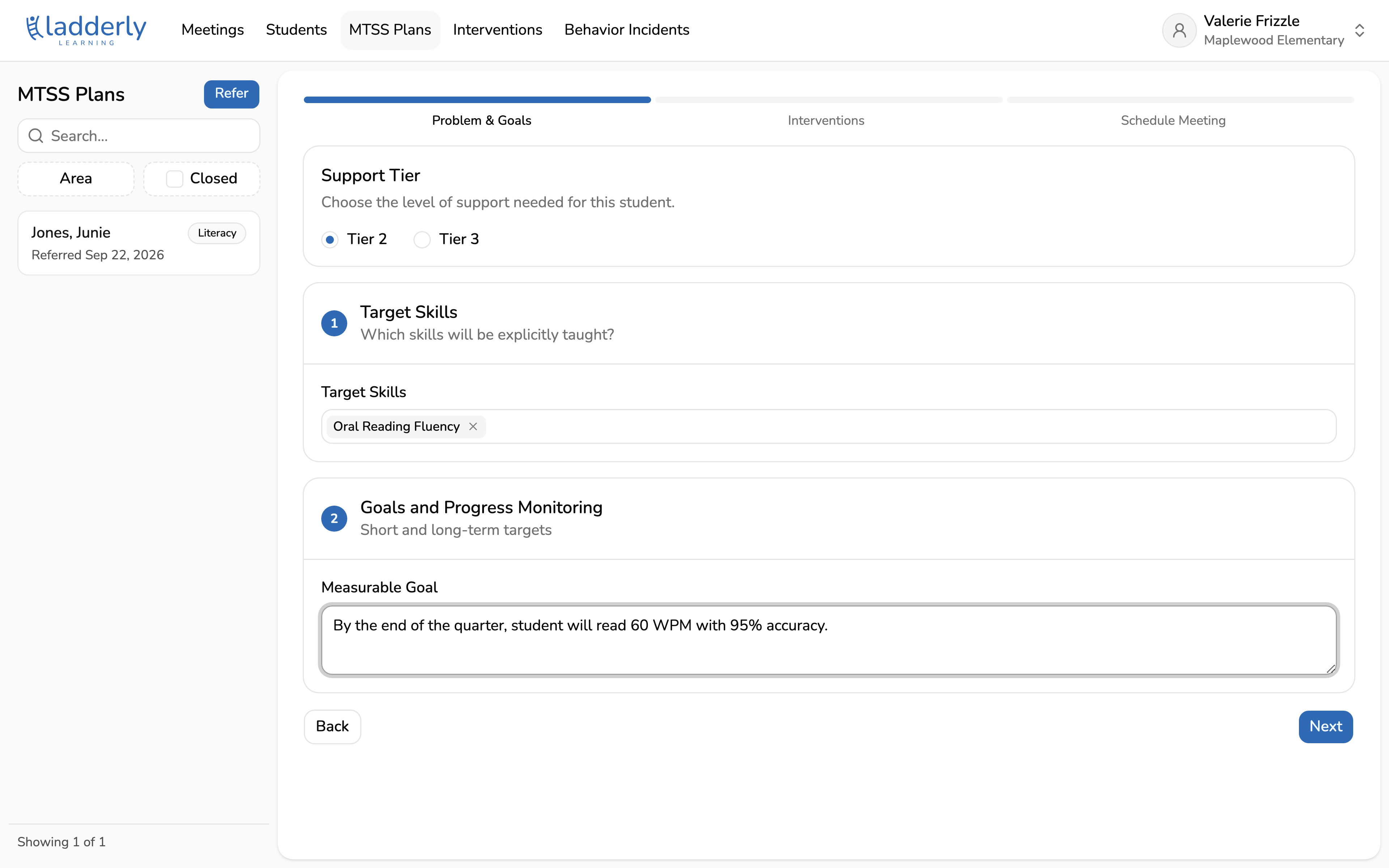
5. Write a measurable goal
Say what, by when, and how it will be measured. This is the number the Measure tab charts against, and it decides whether the student shows as on track later.
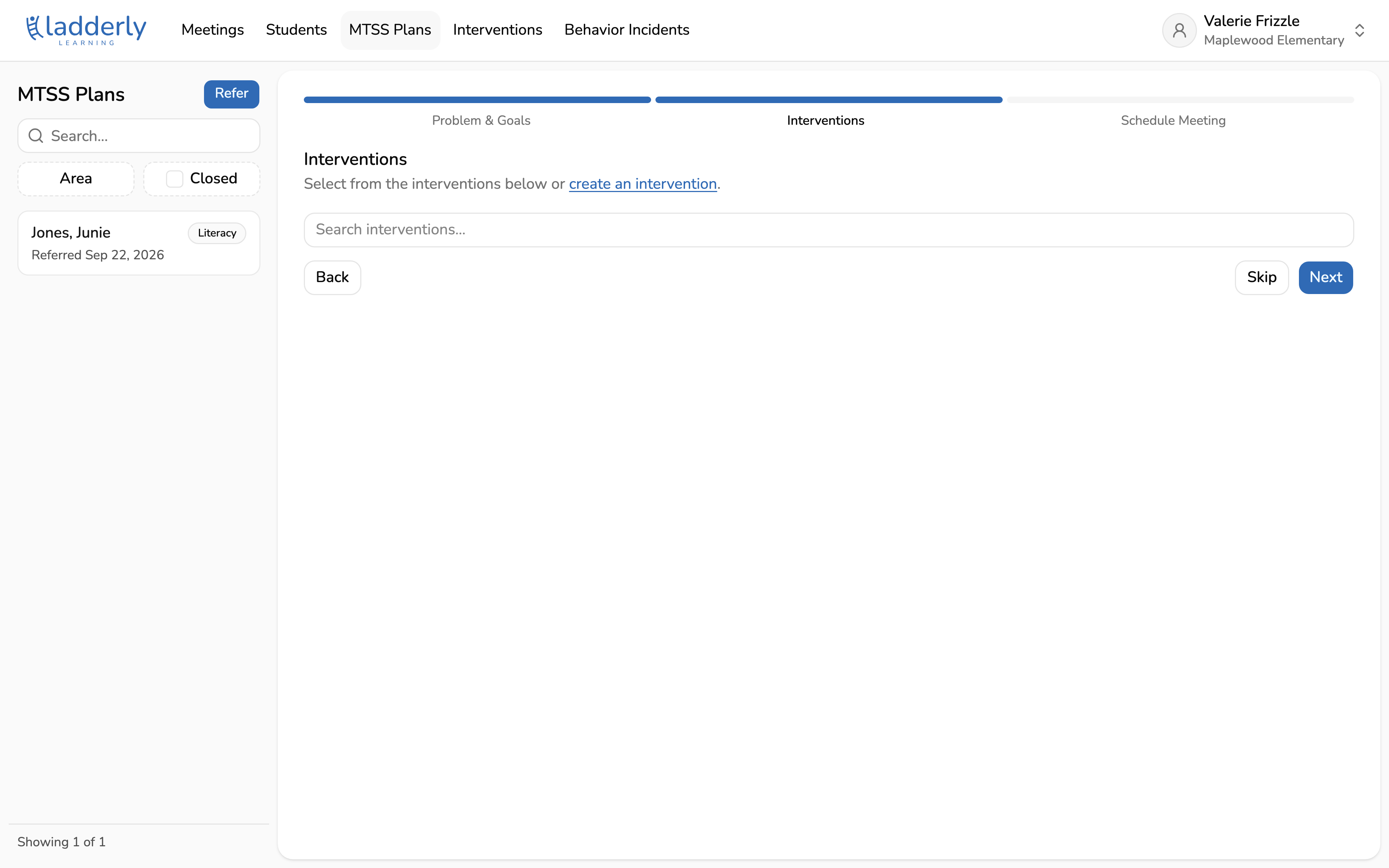
6. Attach the interventions
Choose from the interventions already running at your school, or create a new one. Picking an existing group puts the student into it rather than starting something separate.
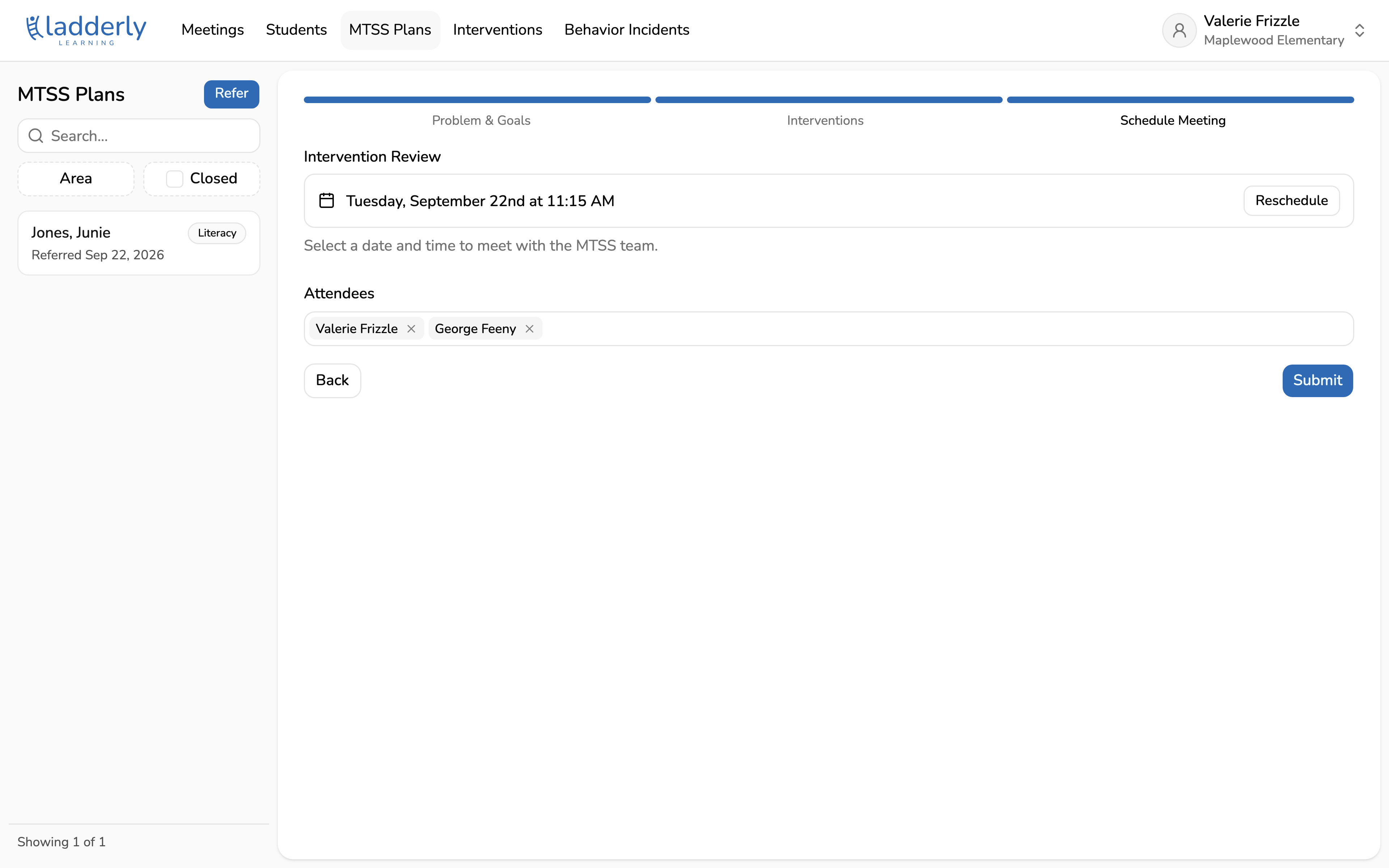
7. Book the review
Set the date the team will come back and look at the data. Booking it now is what stops a plan from quietly running all year without anyone checking it.
8. The plan is live
The Design tab now shows the plan. Attendance and progress monitoring get logged against the intervention from here, and the Measure tab charts it against the goal.