Move students, scan behavior sheets, cancel meetings, and flexible scheduling
Move students between interventions, scan behavior progress monitoring sheets, cancel meetings, flexible scheduling, and more.
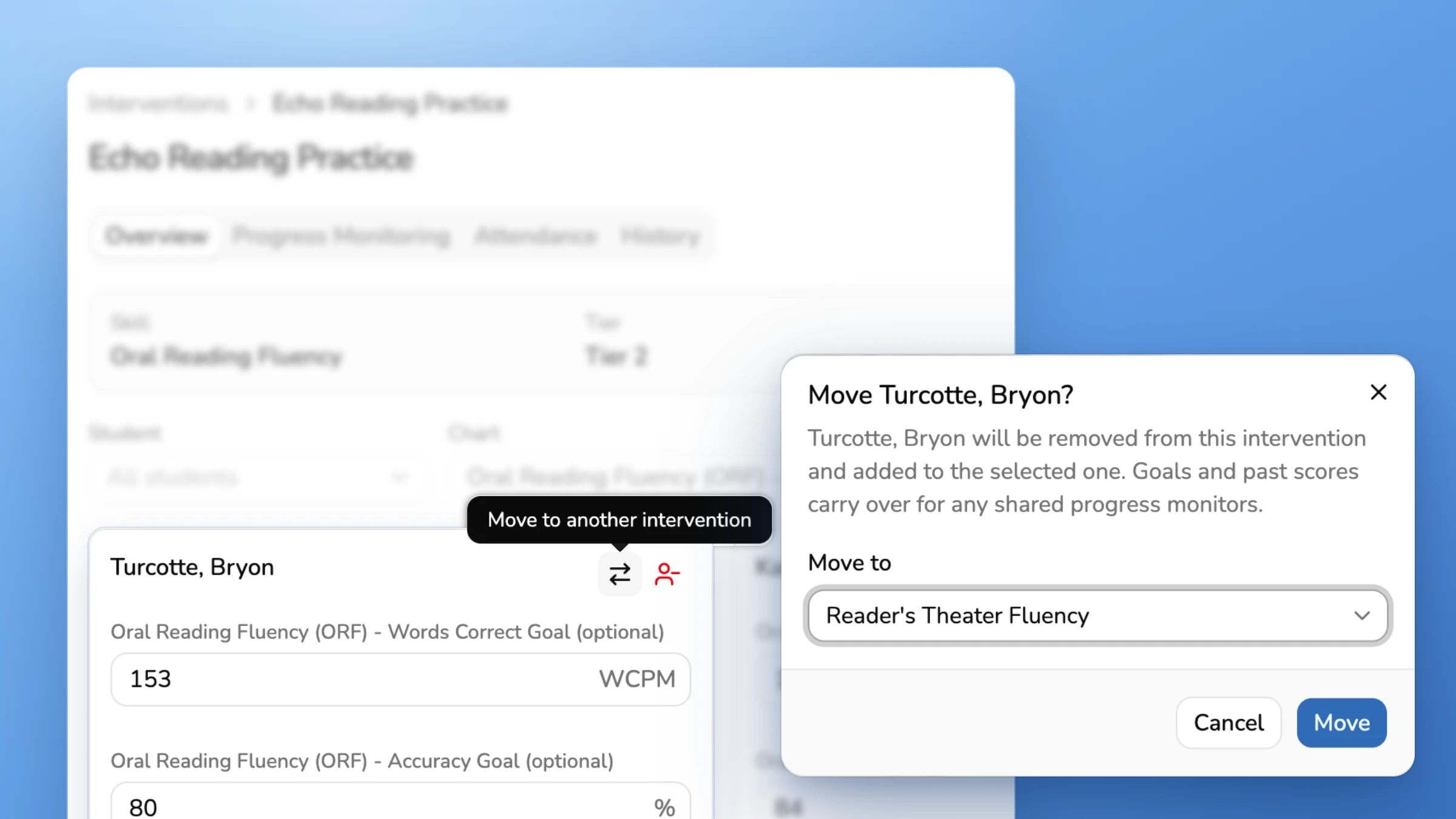
Move Students Between Interventions
Now it's easier to move students between interventions. Choose Manage Students, click the move button next to a student, and pick another intervention. If both interventions use the same progress monitoring assessment, the student's goal and past scores for it carry over.
Scan Behavior Progress Monitoring Sheets
Ladderly Scan now reads printed behavior progress monitoring sheets. Choose Scan on the behavior table and add a photo to fill in scores automatically!
Cancel Meetings
Choose Cancel Meeting on any meeting, review, or screener, and attendees are sent a cancellation.
More Flexible Scheduling
MTSS teams can now set their availability schedule to repeat weekly, every other week, or monthly.
Interventions can also specify which days they progress monitor, separate from session days.
Improvements
- Choose what goes in a printed student report, now with ABC data charts.
- Record a reason when a student leaves an intervention.
- A redesigned history timeline.
- Review screener results at a meeting that's already scheduled.
- Admins can complete the admin form even when it wasn't requested.
- Attach files to behavior incidents, including iPhone photos.
- Manually added users now get an invite email, and admins can correct names.
Bug fixes
- Fixed meeting attendees resetting when editing a meeting.
- Fixed the literacy plan consent letter spilling onto a second page.
- Fixed dates with a mistyped year causing errors.